








Jeneratör
Tarih
AI Kat Planı Oluşturucu
Değiştirme Aracı
Model
Temel
Anahtar
Odalar
yatakOdası
-
2
+
banyo
-
1
+
Mutfak
açık
kapalı
Brüt alan
Birim Metrik
 imparatorluk
Metrik imparatorlukBölge
< 50㎡
50-80㎡
80-100㎡
100-120㎡
120-150㎡
> 150㎡
Ekstra özellikler
yürüyerek girebilen dolap
çamaşır odası
depo odası
işlev odası
ev ofisi
garaj
depo
birleşik oturma-yei odası
balkon

Generate Your Ideal House Design Drawing Easy with AI
Unleash your creativity and simplify your home design journey with Ideal House's AI Floor Plan Generator. Quickly visualize your dream home layout, create stunning 2D floor plans, and bring your architectural visions to life. From initial concepts to detailed floor plans, our intuitive tool makes house design drawing easy for everyone, whether you're planning a renovation, building a new home, or simply exploring layout ideas. Experience the future of home layout design and generate professional-grade plans in minutes.
Generate My Floor Plan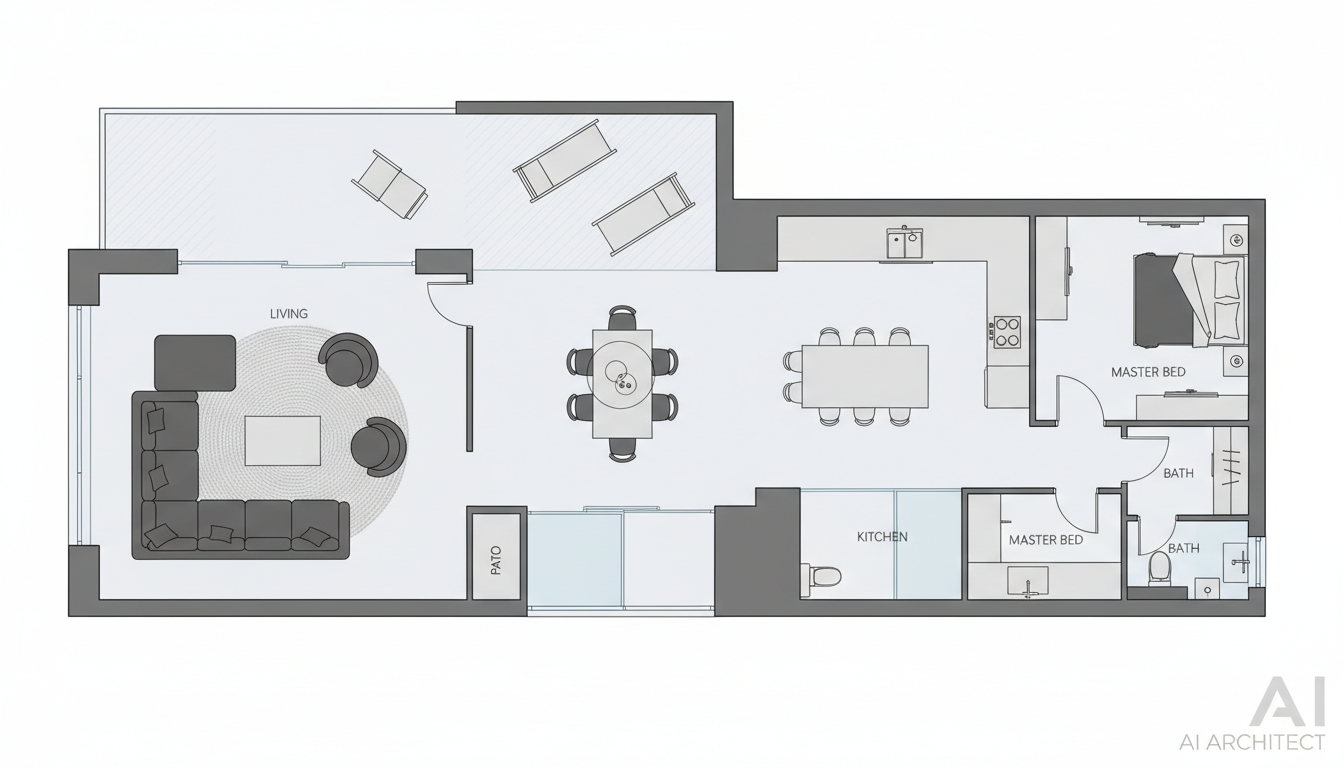


Why Ideal House Makes House Design Drawing Easy
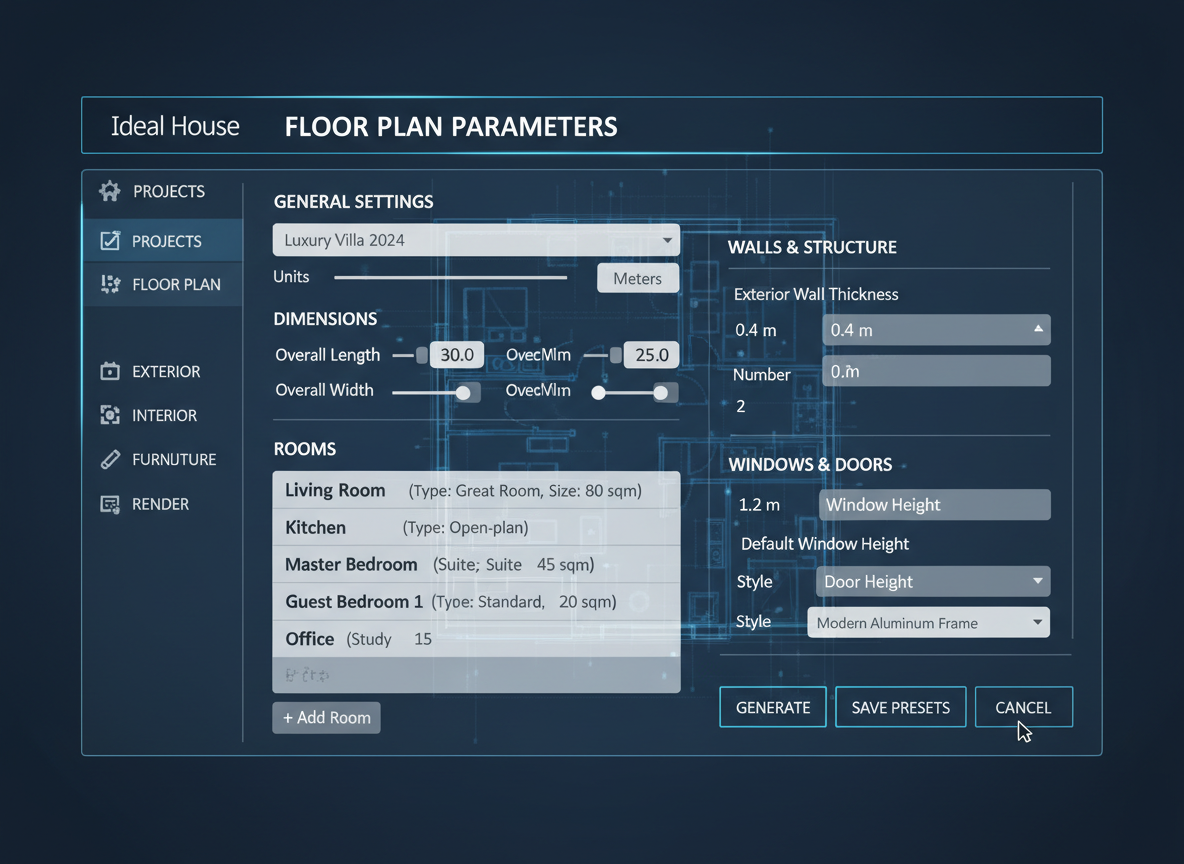
Instant 2D Floor Plans from Simple Inputs
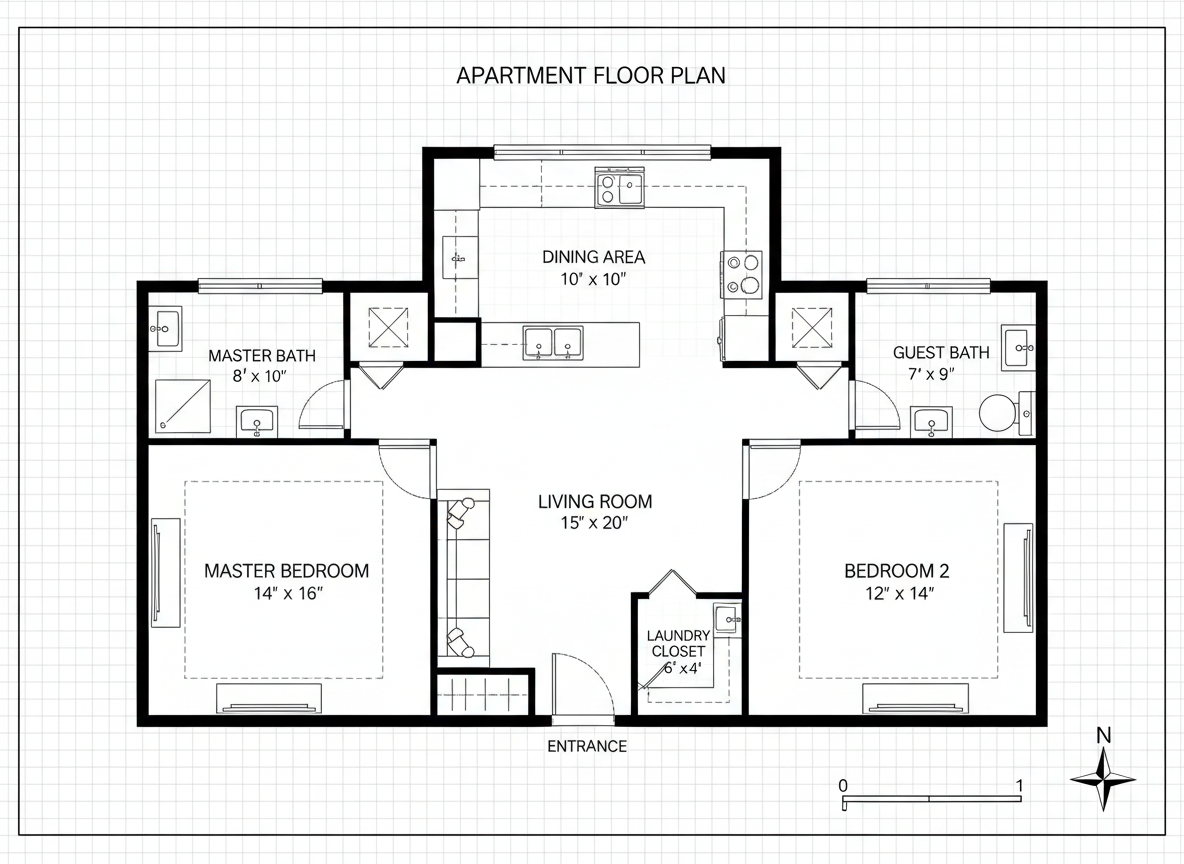
Say goodbye to complex architectural drawing software. Our AI Floor Plan Generator takes your basic requirements—like the number of bedrooms and bathrooms, kitchen style, and gross area—and instantly drafts a clear, functional 2D floor plan. This makes house design drawing easy and accessible, transforming your ideas into visual reality in seconds. Explore countless home layout design possibilities without any prior experience.
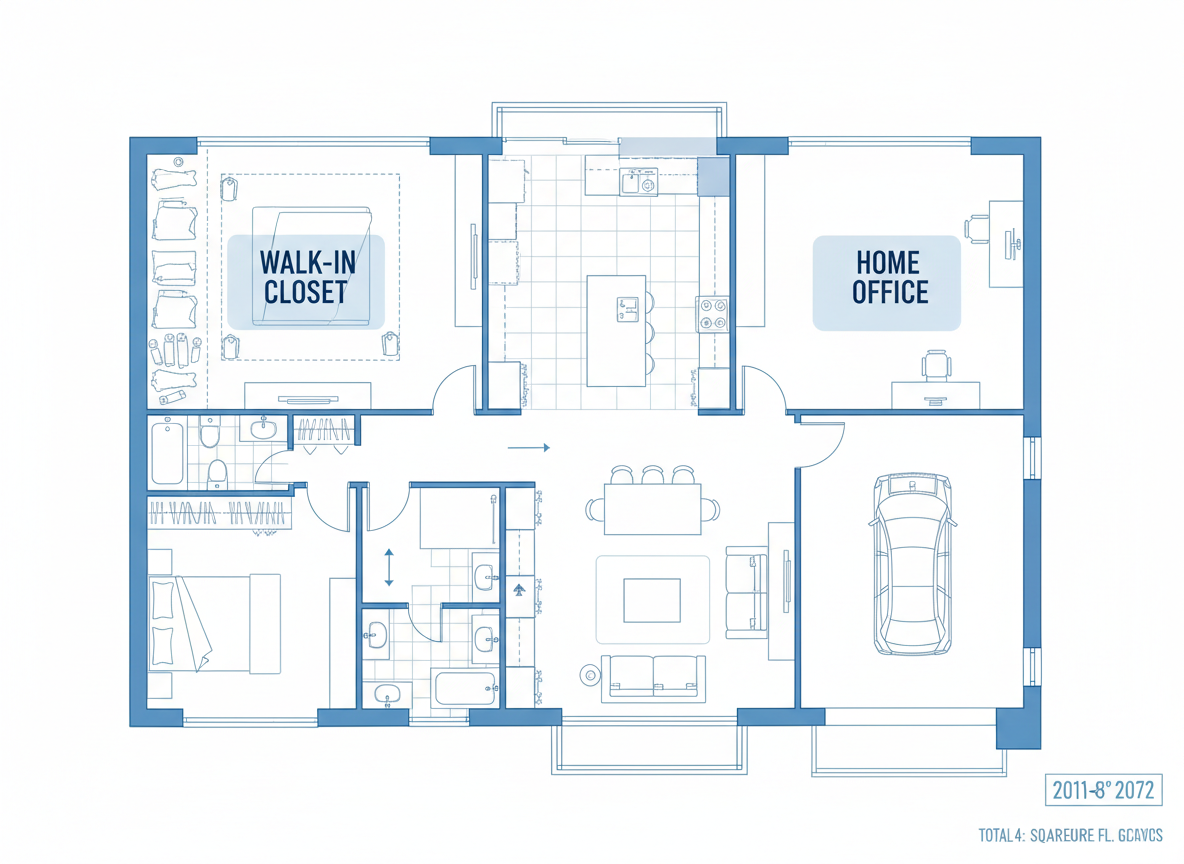
Tailor Your Layout with Smart Extras
Beyond basic rooms, our tool allows you to integrate specific features that matter to you. Want a walk-in closet, home office, or combined living-dining space? Simply select these 'extras' to influence the home layout design. The AI smartly incorporates these elements, providing a custom home plan that truly reflects your lifestyle, making your house design drawing easy and highly personalized.
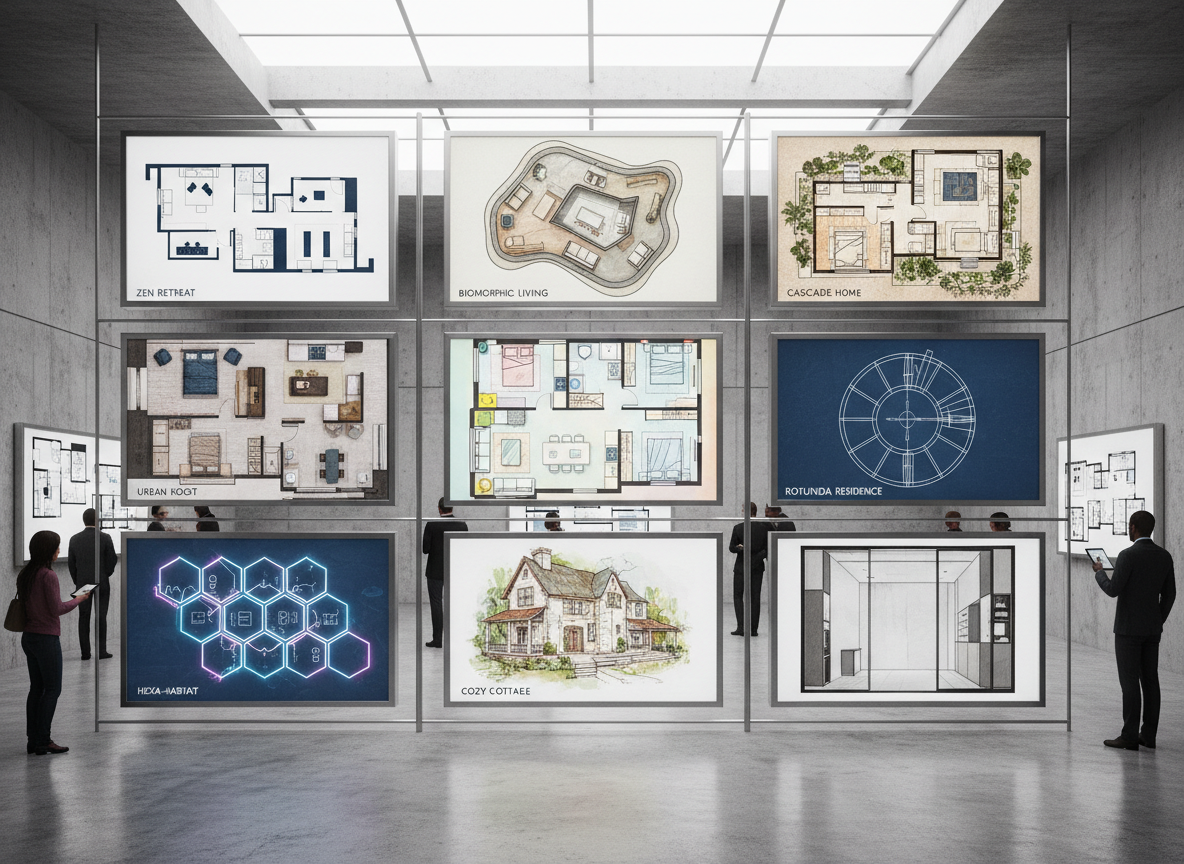
Rapid Iteration & Comparison for Perfect Plans
Refine your residential floor plans with unparalleled speed. Each generation provides a fresh concept, and all your drafts are saved in a convenient Generation History. Easily compare different iterations of your house design drawing, tweaking parameters like open concept kitchen design or small house plans, until you find the perfect layout. This iterative process ensures you achieve your ideal home layout design efficiently.
Professional-Grade Plans for Any Use Case
Whether you're a homeowner dreaming up renovations, an interior designer seeking quick concepts, or a real estate agent needing polished visuals for listings, our floor plan creator delivers. Get presentation-ready detailed floor plans that simplify communication and accelerate decision-making. Making house design drawing easy means you get professional results without the steep learning curve, empowering your projects with high-quality visual aids.

Who Benefits from Ideal House's AI Floor Plan Generator?

Home owners & DIY Planners: Easily visualize home renovation planning, explore virtual room design, and make your house design drawing easy for personal projects.

Interior Designers & Decorators: Create and iterate on apartment floor plan concepts for clients in real-time, streamlining your design process with this online floor planner.

Real Estate & Rentals: Generate consistent, clear 2D real estate floor plans for listings, helping buyers instantly understand the home layout design and flow.

Contractors & Consultants: Translate verbal project briefs into clear, actionable 2D floor plans to align scope and facilitate decisions, making building design software accessible.

Making Your House Design Drawing Easy in 5 Steps
1
**1. Set Your Room Count:** Choose the number of Bedrooms (0–4) and Bathrooms (1–3) to define the basic structure of your home layout design.
2
**2. Define Kitchen Style:** Toggle your Kitchen to be 'open' for a modern, connected feel, or 'closed' for a more traditional, separate cooking space.
3
**3. Pick Gross Area Range:** Select the size band that best fits your project (e.g., <50㎡, 50–80㎡) to guide the overall proportions of your floor plan creator.
4
**4. Add Custom Extras:** Multi-select desired features like a walk-in closet, laundry room, home office, or balcony to tailor your custom home plans.
5
**5. Generate & Refine:** Click 'Generate' to instantly see your 2D floor plan. Use the Generation History to compare and refine your designs, making house design drawing easy and efficient.
FAQs About Your AI Floor Plan Generator
How does the AI turn my selections into a detailed floor plan?
Our AI floor plan generator interprets your inputs—rooms, kitchen style, gross area, and extras—and applies architectural best practices for adjacency and flow to draft a clear 2D floor plan. Each generation offers a unique, functional home layout design based on your criteria, making your house design drawing easy and intuitive.
Can I really get a custom home plan with just a few clicks?
Absolutely! By combining your chosen parameters with smart AI, you can generate personalized residential floor plans that reflect your vision quickly. This powerful floor plan creator allows for rapid exploration of various modern house designs, simplifying the process of getting a custom home plan.
What does 'Gross Area' specifically influence in the floor plan creator?
The 'Gross Area' range guides the overall scale of your 2D floor plan. Choosing the appropriate band ensures that rooms, corridors, and features feel proportionately right for the desired footprint, leading to a more realistic and functional home layout design. It's key to making house design drawing easy and accurate for your space.
Is this tool suitable for generating small house plans?
Yes, our AI Floor Plan Generator is perfect for exploring small house plans. You can specify lower gross area ranges and fewer rooms to efficiently design compact, functional layouts. It’s an ideal free floor plan maker for optimizing space in smaller dwellings, ensuring every square foot counts.
How does Ideal House help with home renovation planning?
For home renovation planning, our tool allows you to quickly test different layouts, such as experimenting with open concept kitchen design or adding a new home office, without the need for complex architectural drawing software. It makes visualizing changes easy, helping you make informed decisions before any physical work begins, and making your house design drawing easy for any remodel project.
Enhance Your Design with Related Ideal House Tools

Change Furniture
Swap out existing furniture in your photo to find the perfect pieces that fit the playful aesthetic.

HouseGPT
Get AI-powered advice on which exterior features to highlight to make your Dusk photos even more compelling.
Landscaping
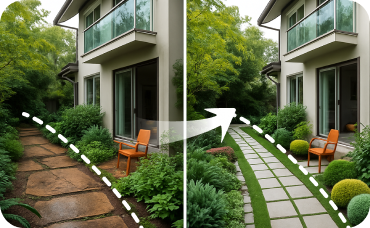
Improve curb appeal to match the sophisticated interior you've just created.
Ready to Make Your House Design Drawing Easy?
Map your space in minutes with a clear 2D floor plan—simple, fast, and share-ready with our AI floor plan generator. Discover the easiest way to visualize your ideal home layout design.
Generate My Floor Plan
💰 Ideal House'un ortak ortağı olarak %10 komisyon kazanın.
Bize Katılın